



Help › Creating your events › Creating your tickets
Creating your tickets
Once you’ve set up the scope of your event, you’re ready to create the tickets you want to be on sale and set a price for them.
There are four options to choose from, but don’t worry, it’s a lot simpler than it might first look!

For a lot of events, you’re just going to have the single price, so go with the default option. But there's a lot of flexibility with pricing.
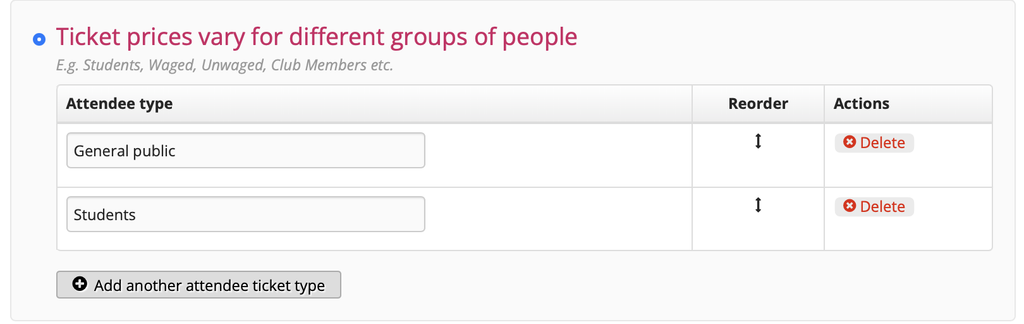
Ticket prices vary for different groups of people
With this option you can set different prices for different groups.
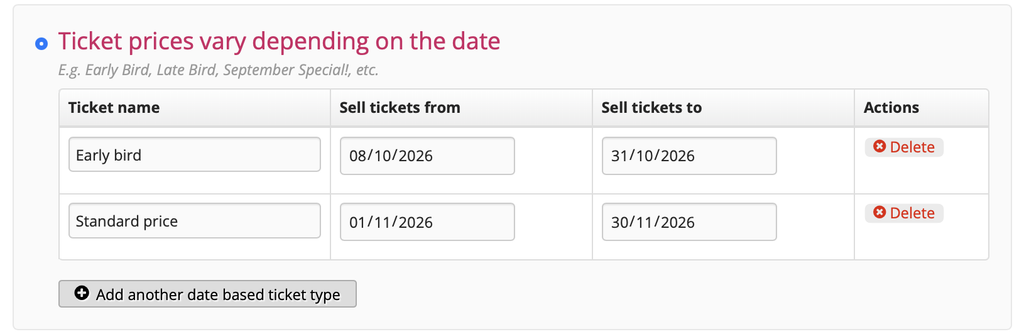
Ticket prices vary depending on the date
With this option you can have pricing vary depending on the date - for example early-bird and standard pricing.
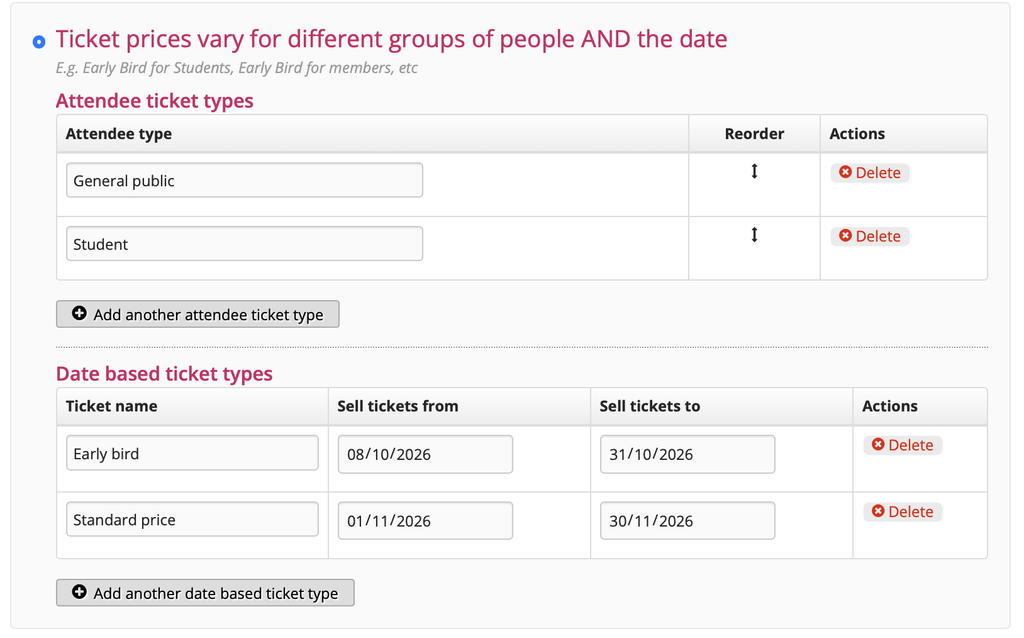
Ticket prices vary for different groups of people and the date
Finally, with this option, you can have pricing vary depending on different groups of people and the date.
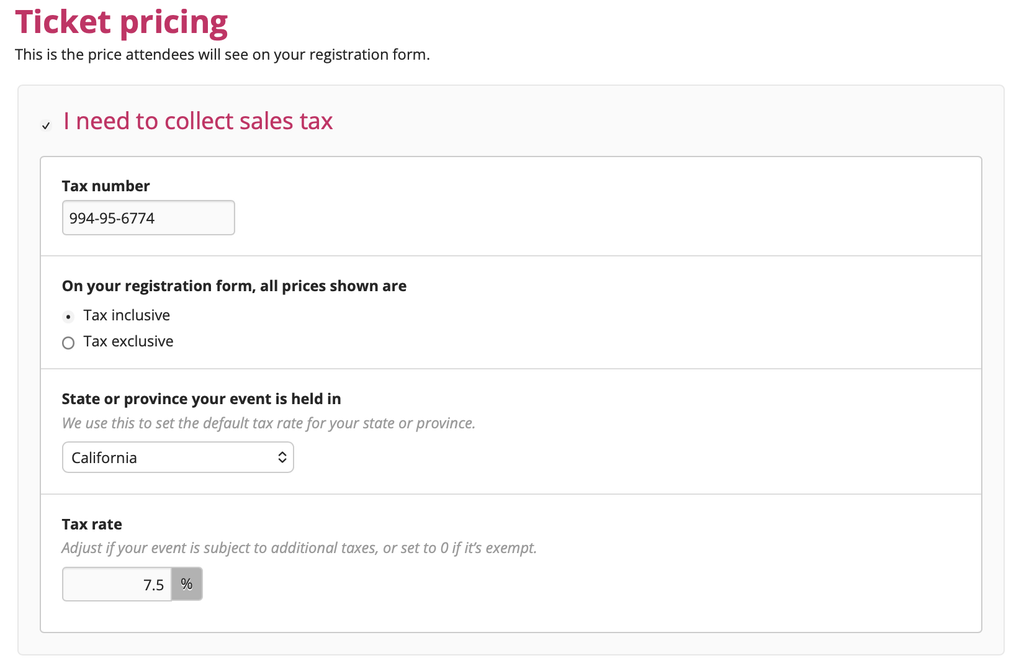
Once you’re happy with the sort of tickets you’re offering, you’re ready to set the price on the "Ticket prices" page.
(Note this is also where you specify whether you'll need to collect tax, if your prices will include or exclude tax, and specify what your local tax rate is.)
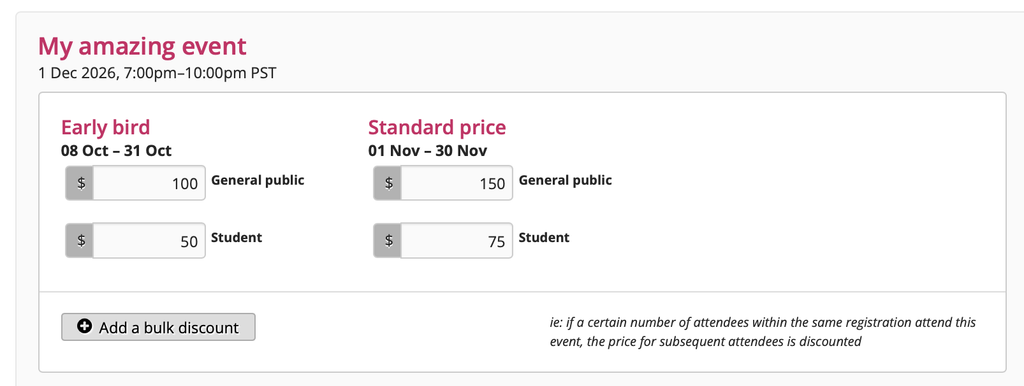
We won’t go into details with this help page, but you'll also be able to set some price and bulk discounts for your events on this page.
You’re now ready to decide what information you want to collect from your attendees!