How to tailor your form to collect the info you need from your attendees.
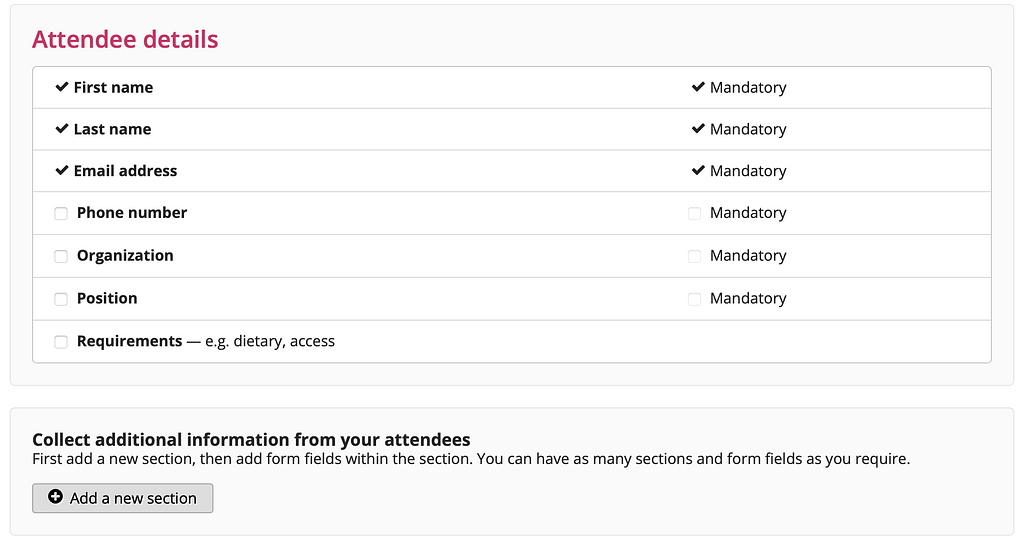
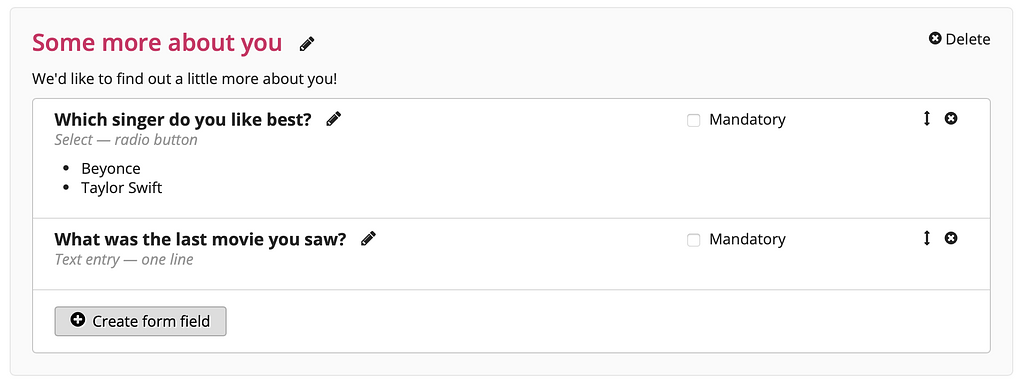
It's easy and flexible to collect information from the attendees registering for your event. By default, we collect first name, last name, and email address, with some other common fields already created if you need them. If you want to collect more information however, you do this by creating new form sections and adding fields to them.
Note that for "Tickets only events", this section will not appear when creating your event as you don't collect any Attendee information for these events.
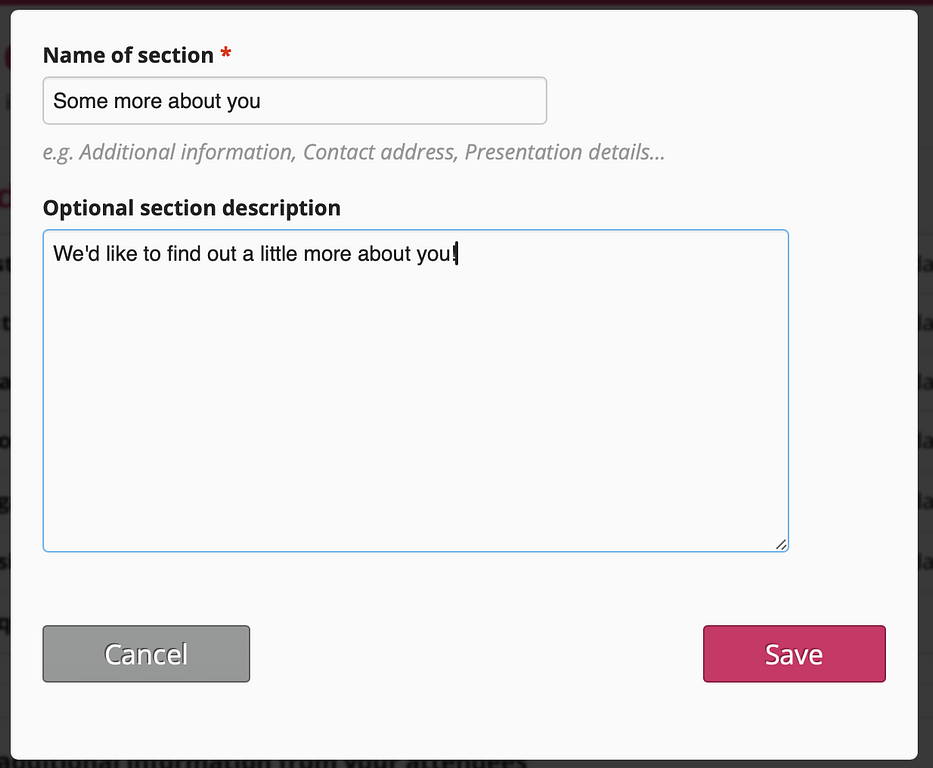
Click on the “Add a new section” button and you’ll be prompted to create your new form section.
Once you’ve created your new form section you can then create fields for it via the “Create form field” button.
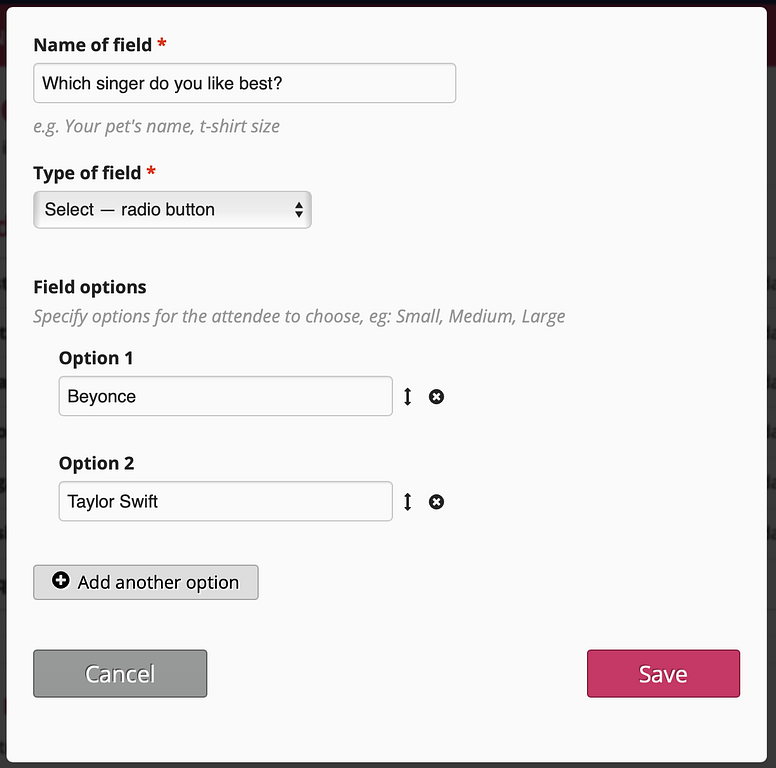
You’ll then name your form field, decide what type of field (e.g. text input, multi-choice, radio button) and add options where needed.
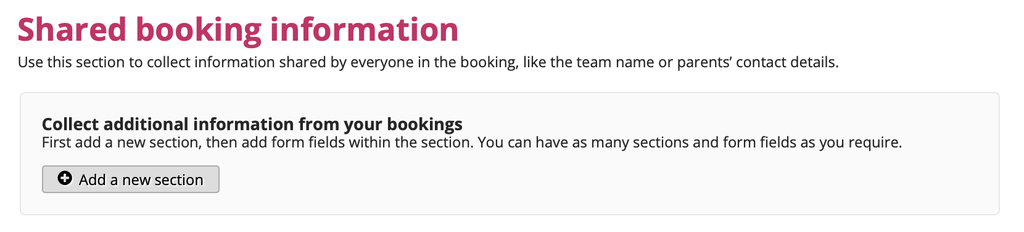
Shared booking information
The "Shared booking information" section is used to collect information shared by everyone in the booking and is explained in more detail here.
Once you’re happy with all the information you want to collect...